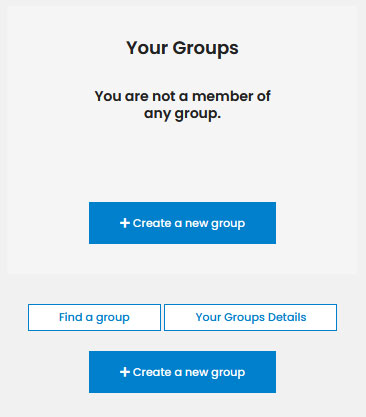
A new Combined Ops group can be created from the dedicated group-management page in the User Control Panel. The user who creates the group is automatically assigned the Founder role. The Founder status cannot be removed, and the Founder cannot be removed from the group.
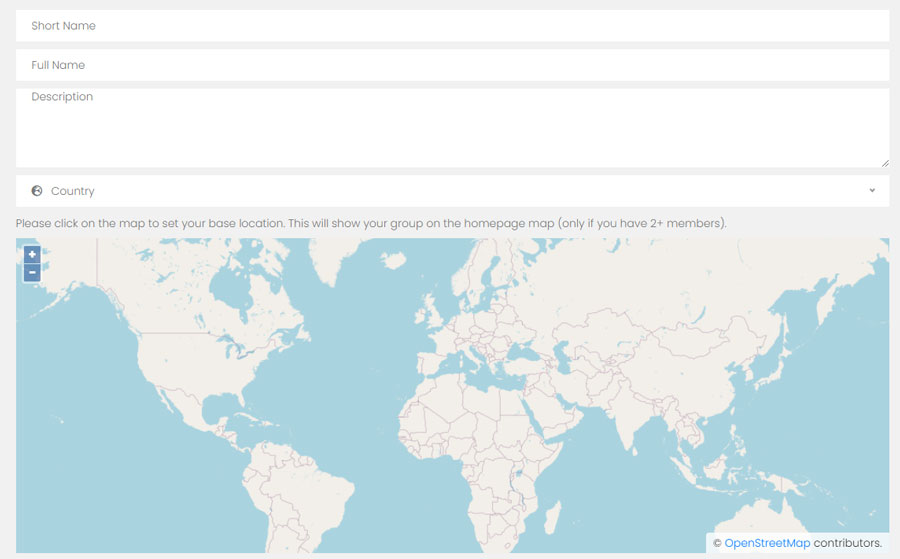
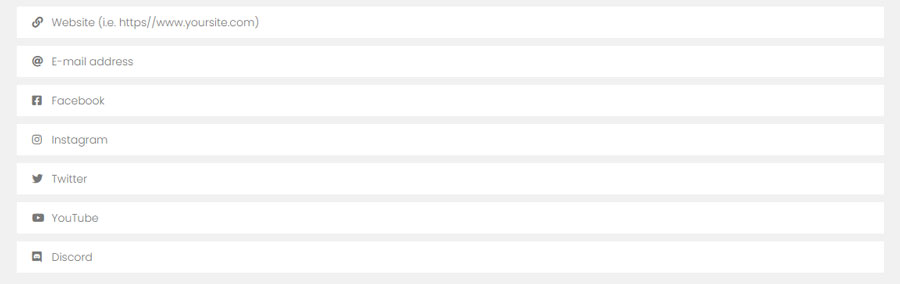
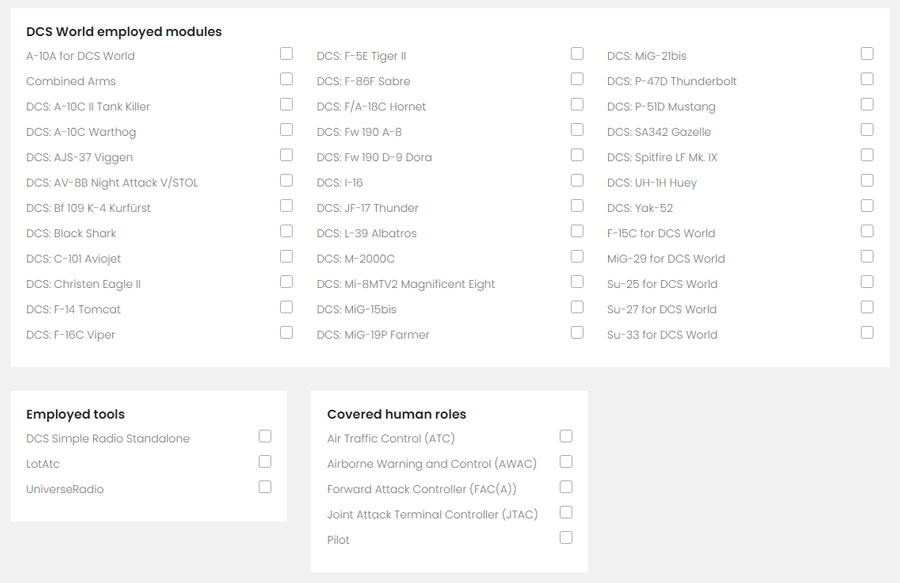
The group creation form allows you to enter the main information used to identify and describe your virtual squadron or group on Combined Ops.
When creating the group, it is important to set its location on the map. The group location is used to display the group's icon on the Combined Ops homepage map and can also be used as a geographic reference for the group's contacts and activities.